Online Image Saver
Download All Images From Any URL
Paste a webpage URL to scan, preview, and download multiple images quickly and easily.
This page can't be analyzed online
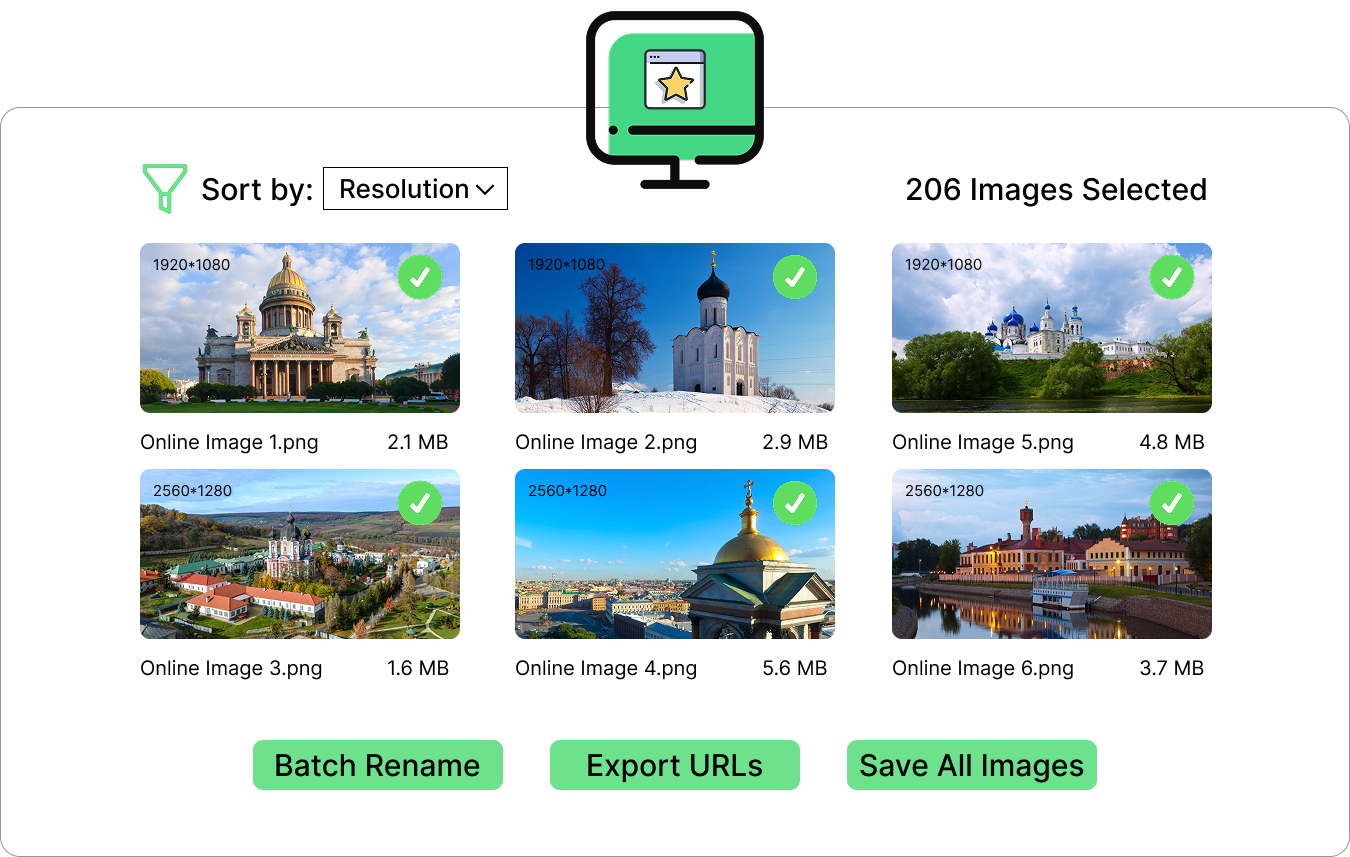
The page may block automated scanning, or it isn't supported by the online analyzer yet. Try the free Online Image Saver desktop app — it scans multiple URLs, downloads in bulk and even batch-renames your images.
How It Works
3 Fast StepsPaste URL
Copy the URL of the webpage containing images and paste it into the input box.
Fetch Images
Click the "Analyze Image" button and we'll fetch all images for you.
Download All
Preview and download all images in a zip file or individually.
Download Options
Images are always saved in their original quality. Use the format filter below to narrow down the results.
Extracted Images
Online Image Saver's Powerful Features
Save time with smart features that make finding and downloading images from the web faster and easier.
⚡ Super Fast
Scan pages and collect image URLs quickly with a simple workflow.
🖼️ High Quality
Keep original image dimensions and download the best available files.
🎚️ Smart Filtering
Filter by format, dimensions, duplicates, and other preferences.
🛡️ Secure & Private
Designed to keep your workflow simple without unnecessary data collection.
💻 Works Everywhere
Use it from your desktop, tablet, or phone in a modern browser.
↓ Bulk Download
Select multiple images and save them together instead of one by one.
Frequently Asked Questions
Find quick answers to common questions about saving and downloading images from any webpage.
1. What is the online image saver?
Our online image saver is a tool that helps you find and save images from a webpage. Simply enter a URL, scan the page, preview available images, and select the files you want to save.
2. Can I save all images from a webpage?
Yes. Enter the webpage URL and the image saver can scan the page for available image files. You can then preview the results and choose individual images or save multiple images at once.
3. What image formats are supported?
Common web image formats such as JPG, JPEG, PNG, WebP, GIF, and SVG can be detected depending on how the images are provided by the webpage.
4. Do I need to install any software?
No. The online image saver works directly in your modern web browser, so there is no desktop software or browser extension required.
5. Can I preview images before saving them?
Yes. Images can be previewed before you save them, making it easier to select the right files and avoid downloading unwanted images.
6. Is the image saver free to use?
Yes, you can use the online image saver without installing additional software. Just open the tool in your browser and enter a webpage URL to get started.
7. Is there a desktop version of the image saver?
Yes. The desktop version provides a more convenient way to download image from multiple URLs. It also supports batch renaming images and copy all the image URLs.